

Gamer’s Mod
Advertisement
Gamer’s Mod combines sandbox mechanics with action and survival elements inside a fully interactive world. The game does not guide players through a story or a sequence of missions. Instead, it provides a set of tools and systems that can be used to create custom gameplay experiences. Whether building structures, testing vehicles, or fighting enemies, players are free to choose their own objectives.
Advertisement












Similiar games
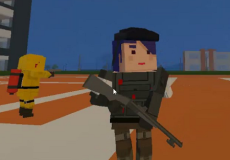

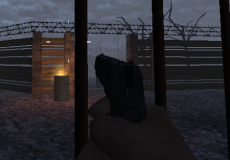
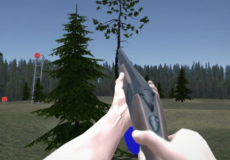
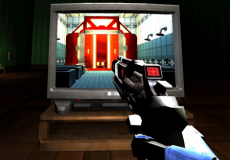
Gamer’s Mod combines sandbox mechanics with action and survival elements inside a fully interactive world. The game does not guide players through a story or a sequence of missions. Instead, it provides a set of tools and systems that can be used to create custom gameplay experiences. Whether building structures, testing vehicles, or fighting enemies, players are free to choose their own objectives.
A World Without Restrictions
One of the main features of Gamer’s Mod is its open-ended design. After loading into a map, players gain access to menus filled with items and characters that can be placed anywhere in the environment. Buildings can be assembled from props, while NPCs can be spawned to populate the area or participate in battles.
Gameplay Options
The game offers a variety of activities that can be combined in different ways:
· Constructing custom scenes and structures
· Driving vehicles across large maps
· Spawning friendly or hostile NPCs
· Using weapons in combat situations
· Surviving against enemy attacks
Because all of these features are available at any time, players can easily switch between building, exploration, and action-focused gameplay.
Maps and Challenges
Gamer’s Mod includes multiple maps that serve as playgrounds for different types of activities. Some locations are wide open and suitable for large constructions, while others contain narrow paths, buildings, or obstacles that support combat scenarios. Certain modes introduce zombies or nextbot-style enemies that chase the player, creating additional survival challenges.
The controls use a standard first-person layout, making it easy to move around, interact with objects, and manage inventory menus. The mouse is used for aiming, selecting tools, and placing objects, while the keyboard controls movement and actions. Gamer’s Mod is built around player creativity, offering a flexible sandbox where every session can develop in a different direction depending on the choices made by the player.
Discuss Gamer’s Mod

